
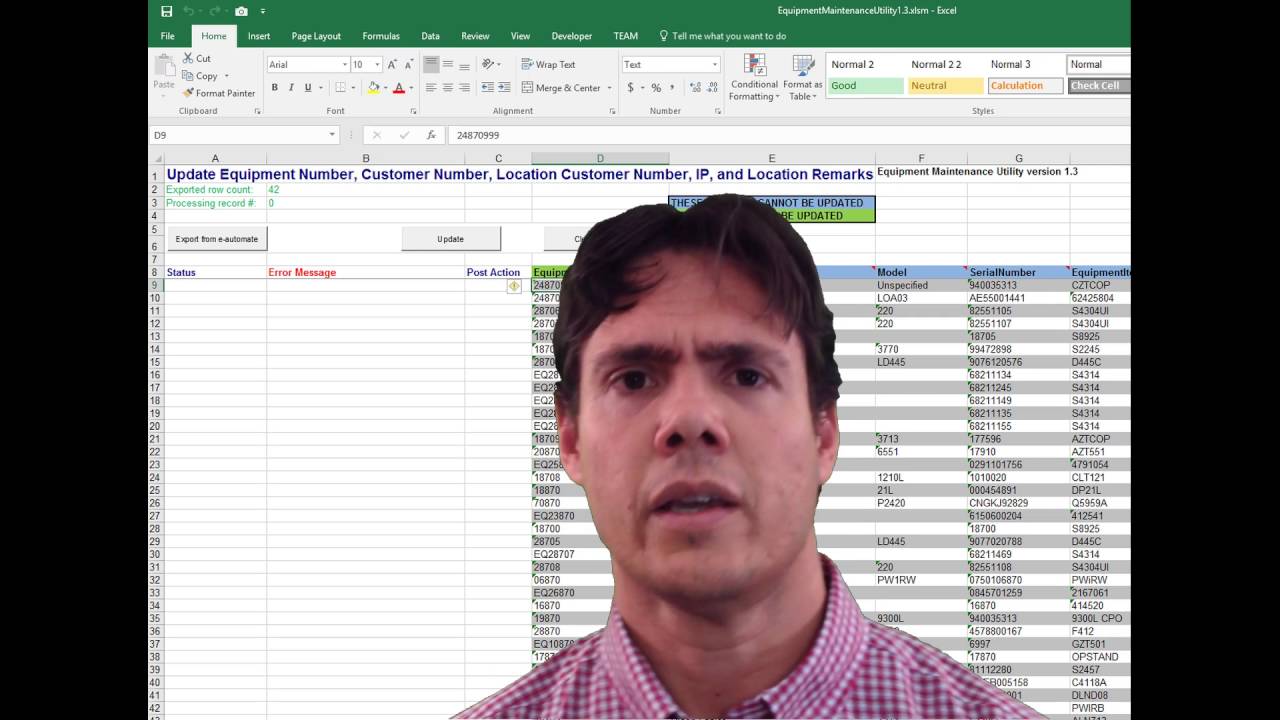
Excel is an excellent tool for bulk data updating and importing into SQL databases. It may sound unsophisticated, but Excel is a powerful yet simple solution for bulk data editing. No third-party programming is involved other than using SQL and Visual Basic for Applications (VBA) – which are already part of Excel. Sometimes the simplest solution is the most effective.
Introduction to the KuduTek Excel Equipment Maintenance Utility
In this demonstration I show you how the popular KuduTek Excel Equipment Maintenance Utility works. This utility was specifically designed to access and edit SQL Server data which is used by e-automate, an ERP product from ECI Solutions and it is primarily used by office equipment dealers. However similar solutions can be developed for other databases in addition to Microsoft SQL Server.
As a matter of fact, most mainstream databases like Oracle, MySQL, DB2, PostgreSQL, etc. can be worked in a similar way.
Why Use Excel for SQL Bulk Updates?
Excel provides a familiar interface for users to:
- View and edit large datasets in a spreadsheet format
- Perform batch validations before updating the database
- Use Excel's powerful built-in functions for data manipulation
- Create custom VBA solutions for automated data transfer
- Maintain data quality and consistency
Key Benefits
- No Third-Party Tools Required - Uses only SQL and VBA, both built into Excel
- User-Friendly - Familiar Excel interface reduces training time
- Flexible - Works with multiple database systems (SQL Server, Oracle, MySQL, PostgreSQL, DB2, etc.)
- Efficient - Bulk operations save time compared to single-record updates
- Simple - Sometimes the simplest solution is the most effective
Related Reading
- 7 Reasons Why Excel is Great for Database Data Bulk Editing - Deep dive into why Excel excels at bulk SQL editing with real-world examples
- Export and Update SQL Server Table Data with Excel - Step-by-step guide to connecting Excel to SQL Server for data import and export
- Jon Muller and Excel + SQL - Background on my 20+ years of Excel and SQL Server integration experience
- Automate the Boring Stuff - Why automating repetitive data tasks with Excel and VBA saves hours of manual work
- From Idea to First Sale: 90 Days - How building Excel SQL utilities led to creating XLNavigator
Official Resources
- Microsoft SQL Server Documentation - Complete guide to SQL Server features, T-SQL syntax, and best practices
- Excel VBA Reference - Official Microsoft documentation for Excel VBA programming
- SQL Best Practices - Performance tuning and database optimization guidelines